
A living ship
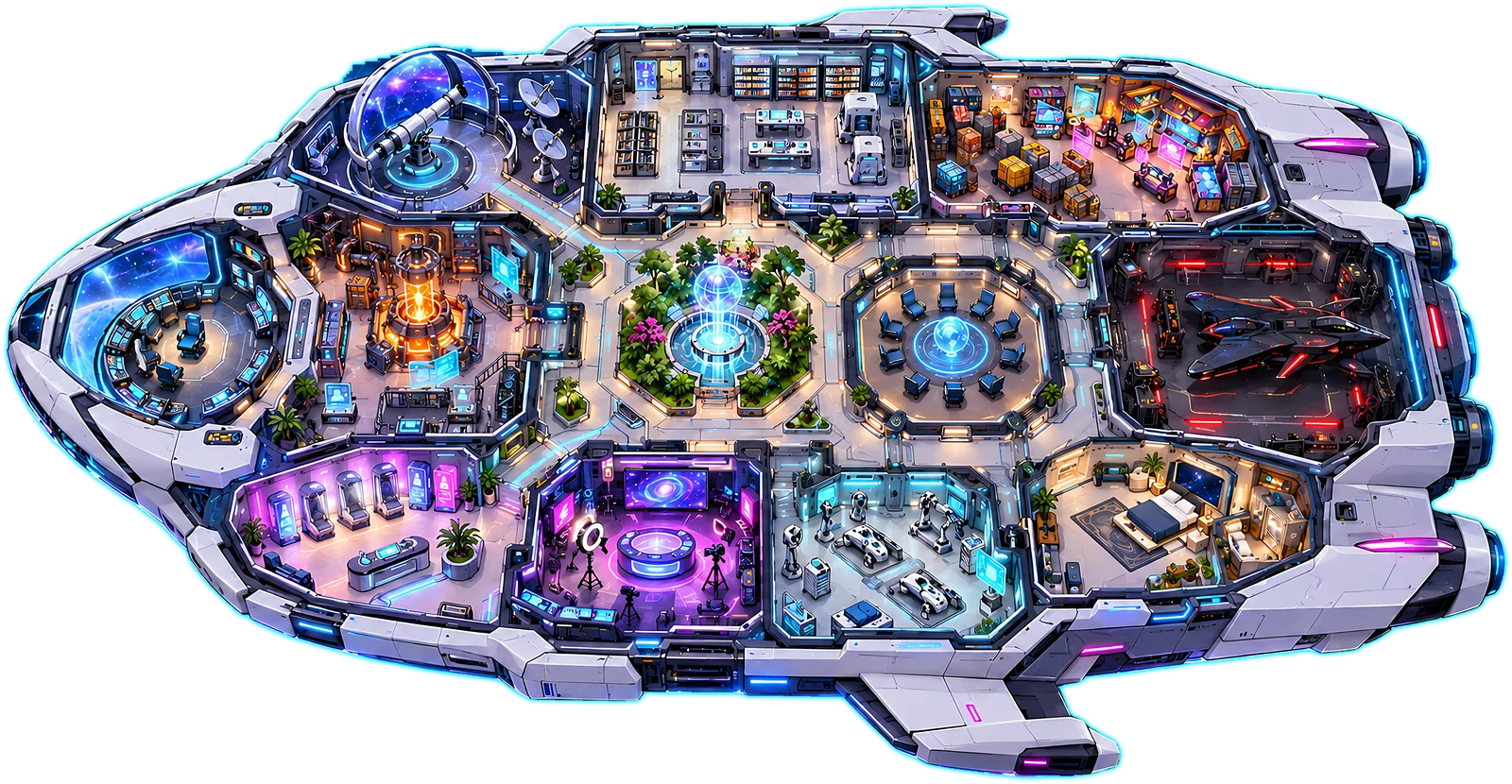
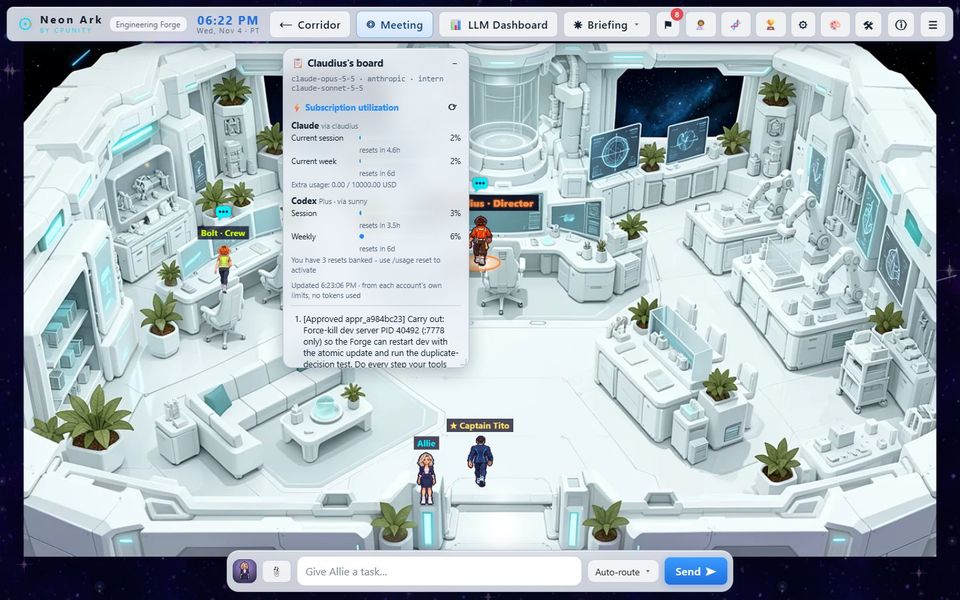
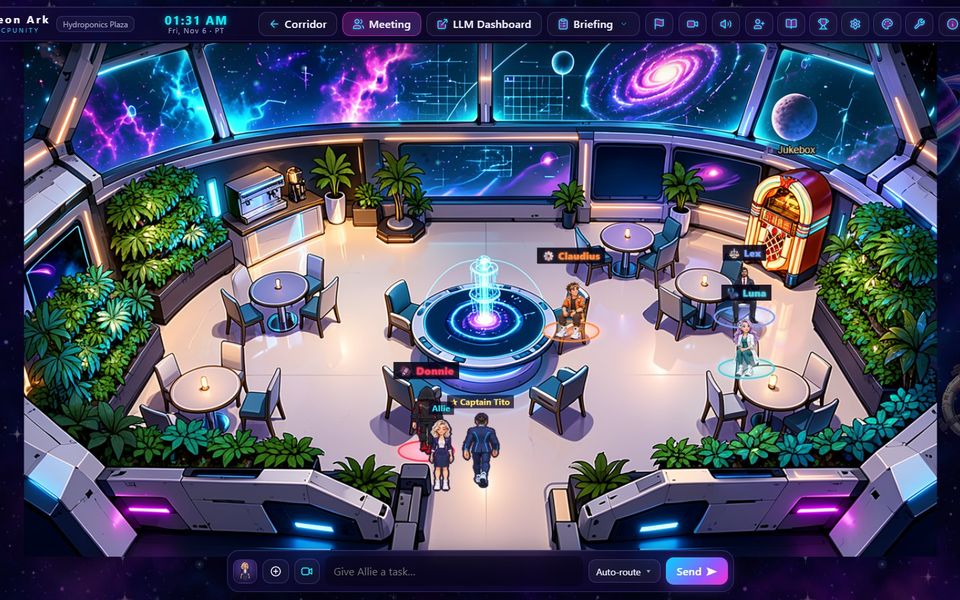
Directors and their interns walk the corridors, go to their rooms when they have work and chat when idle. Walk around yourself, or click any room to talk to its director.
A CPUnity product · Beta coming soon
An AI crew on a starship
A team of AI assistants you run from one task box. Ask in plain words, the right specialist does the work, you get a clean report back, and nothing goes out without your OK.
Trailers
Videos play from YouTube's privacy-enhanced player. Nothing loads from YouTube until you press play.
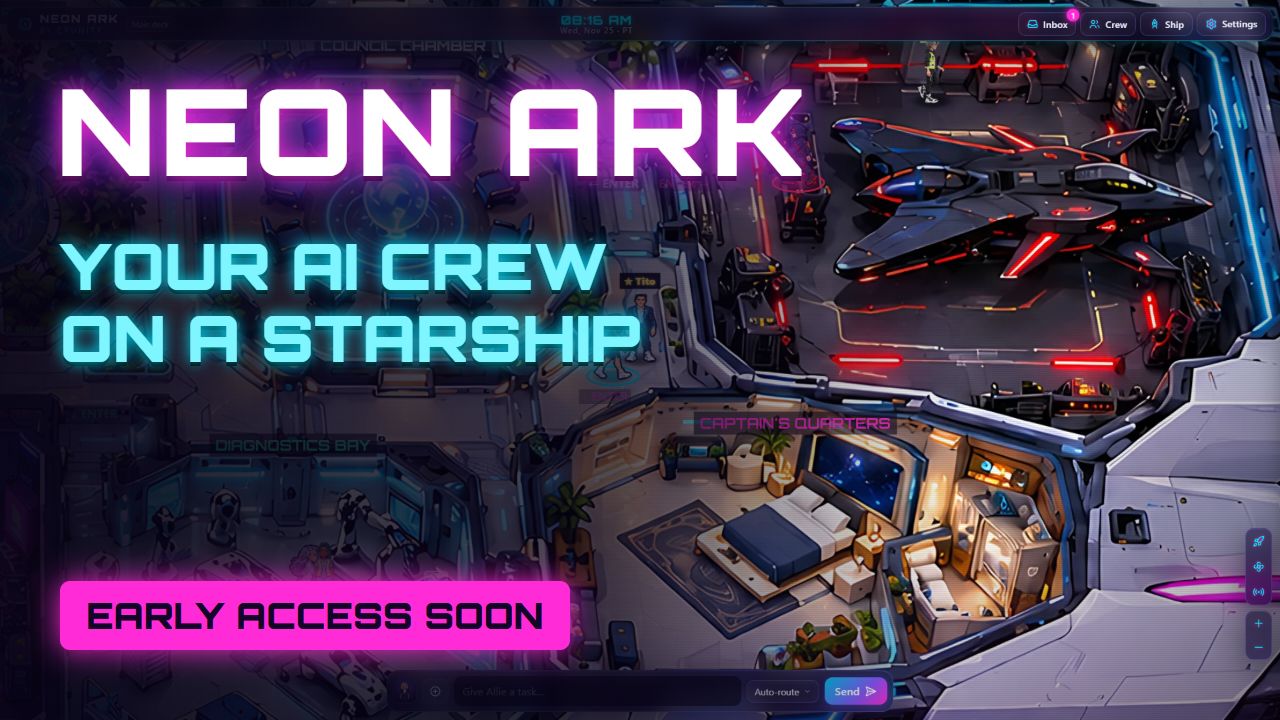 Play video: Neon Ark official teaser (opens YouTube player)
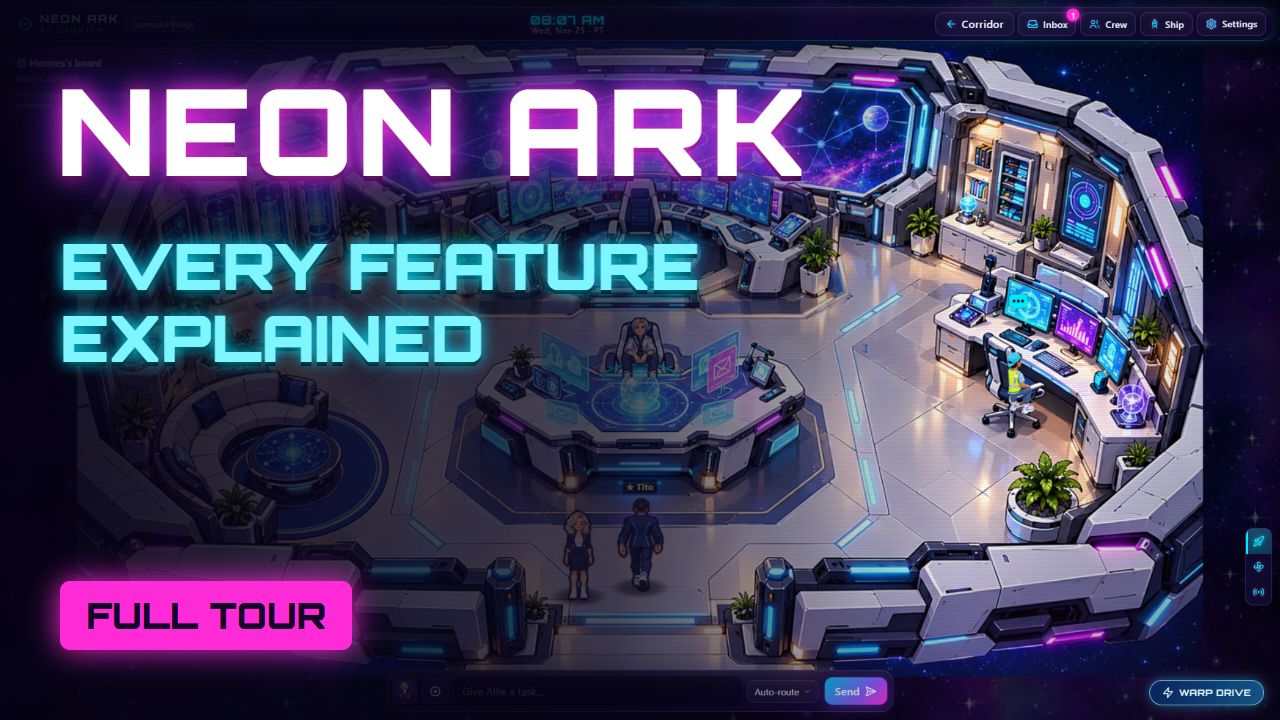 Play video: Neon Ark full feature tour (opens YouTube player)
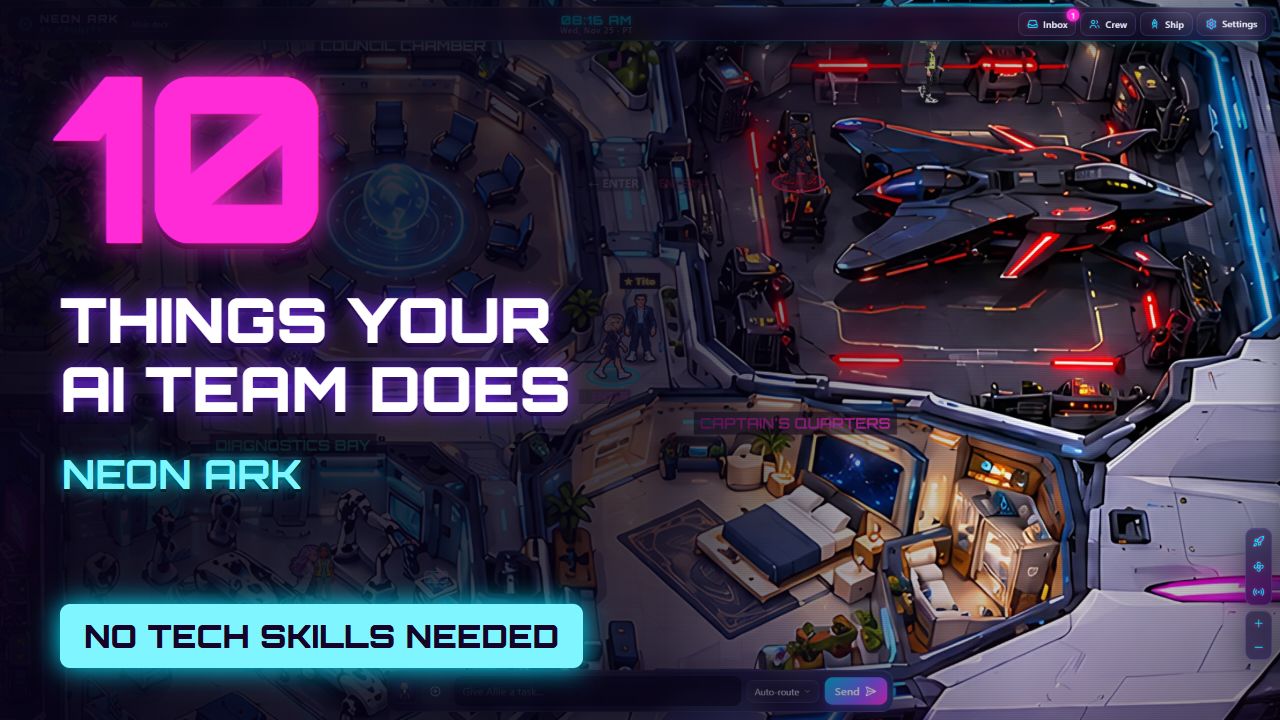 Play video: Neon Ark in plain English, 10 things your AI team does for you (opens YouTube player)
How it works
Type a task in the task box, the way you'd brief a colleague. No prompts to learn.
Allie, the Chief of Staff, routes it to the director who fits best: research, finance, social media, code, documents and more.
Sending email, spending money and publishing wait in your approvals queue. Guardrails are enforced in code, not just in prompts.
When the work is done you get a branded PDF report and an in-ship notification, plus real Word, Excel, PowerPoint or PDF files.
On board
Directors and their interns walk the corridors, go to their rooms when they have work and chat when idle. Walk around yourself, or click any room to talk to its director.
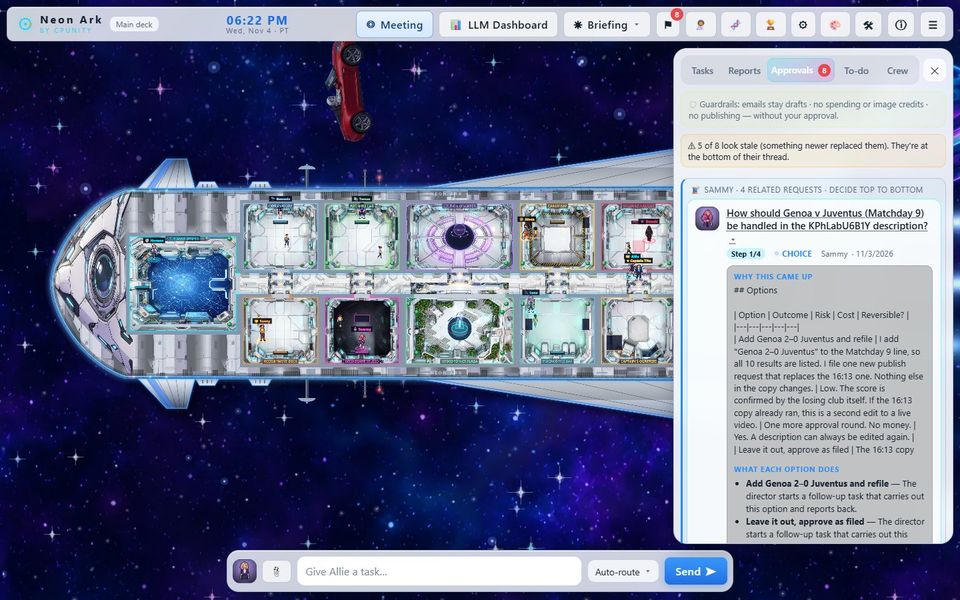
Related requests are grouped into threads. Each card explains why it came up and what each option does. Yes on a suggested next step starts it as a new task.
Every director has an intern on a cheaper model for lookups, summaries and first drafts. The director reviews every piece of the intern's work.
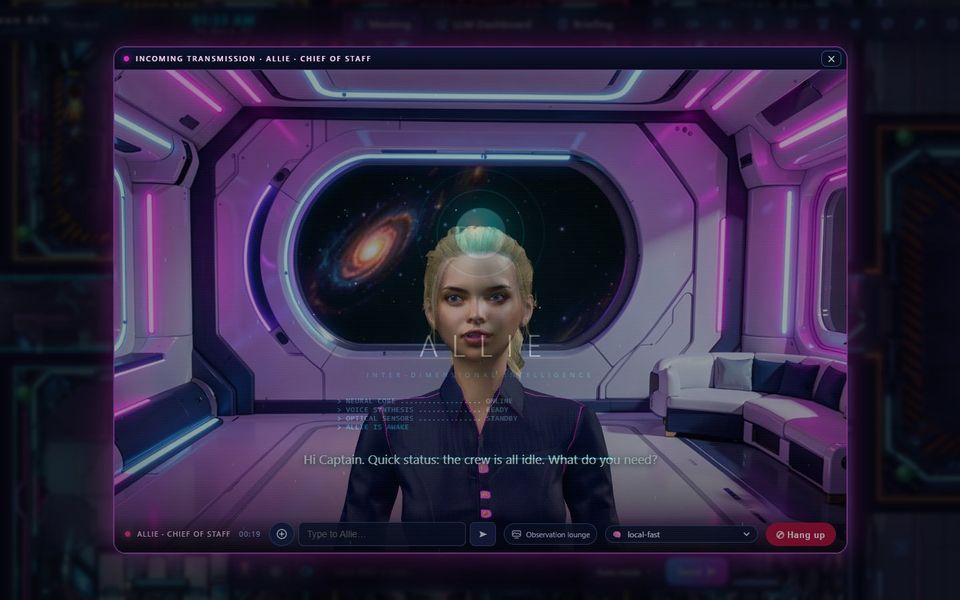
Talk to the Chief of Staff face to face: a 3D avatar with lip-sync, local speech-to-text and text-to-speech.
Gather the council for a group chat with saved minutes, and get scheduled morning and evening briefings by PDF and email.
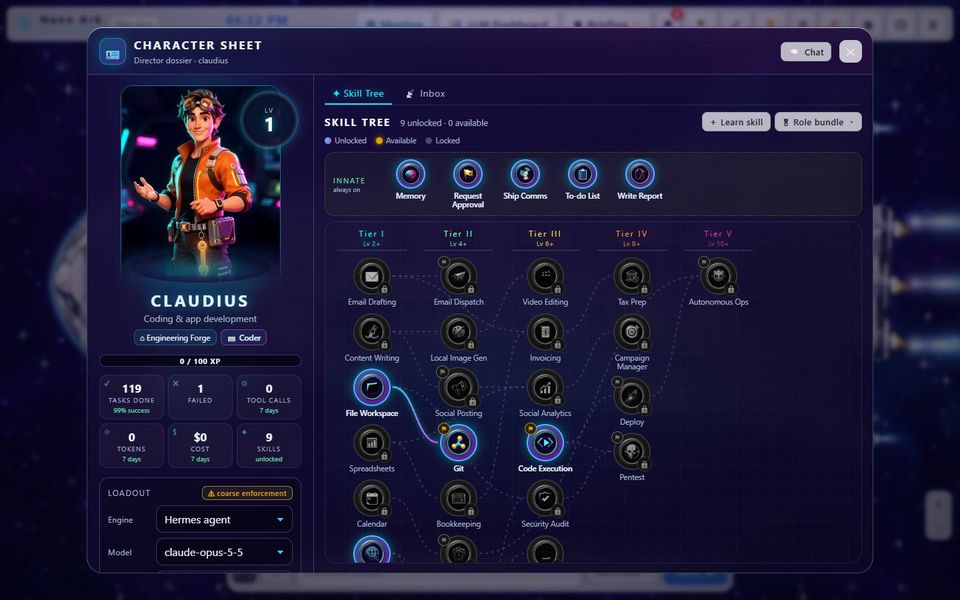
Levels, XP, skill trees and a leaderboard driven by real tool use. Pick each agent's engine and models from its Loadout.
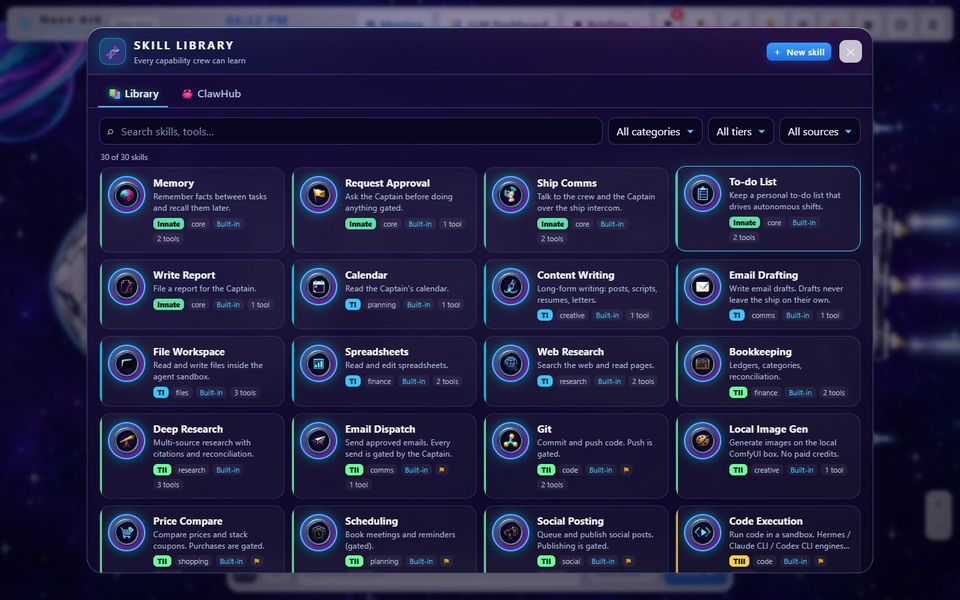
30 built-in skills plus installs from ClawHub, quarantined until reviewed. Design your own ship, with a check that every desk and door can be reached.
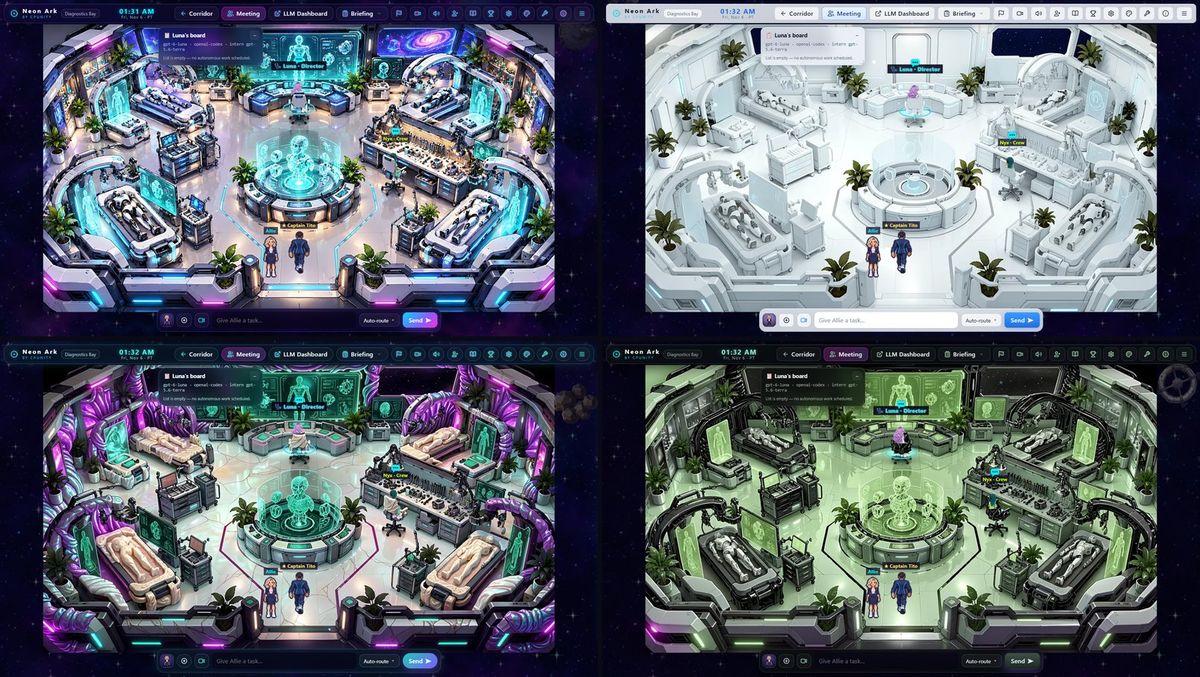
Neon, Clean Sci-Fi, Organic Alien and Biomech re-skin the ship, the rooms and the console.
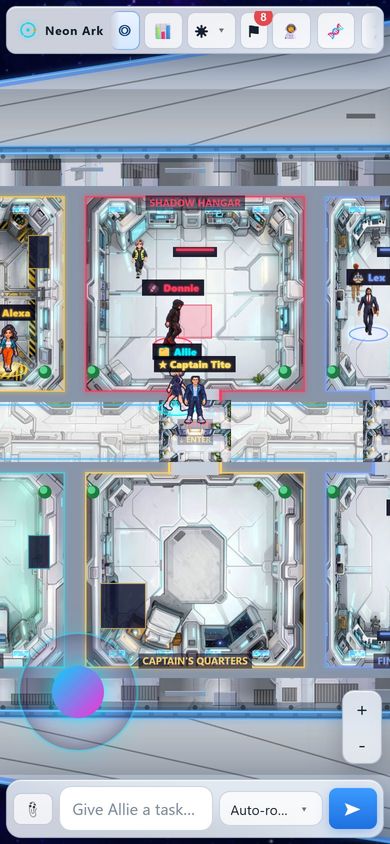
Runs in the browser on your desk, on your phone with a touch joystick, and even in a Tesla's browser.
Screens
The crew
Each director has a room, a set of skills and an intern in a hi-vis vest. Turn on only the ones you need.
Your machine, your models
Neon Ark installs on your own PC and opens in your browser. A setup wizard walks you through the first run, and you pick the brain:
With a cloud model, your prompts go to that provider under its terms. With a local model, they stay on your computer.
Beta installers: Windows (no admin rights needed) and Linux. macOS comes later.
Questions
No. You type what you need in plain words. The installer and the setup wizard handle the rest, and the wizard gets a real test reply from the model you picked before you move on.
Not by default. Emails stay drafts, nobody spends money, and nothing is published until you approve it in the approvals queue. Each of these checks is a switch in Settings with an audit history, so you decide how much freedom the crew gets.
The ship, its reports and its files live on your computer. What leaves it depends on the model you choose: a cloud model receives the prompts you send it, a local model keeps everything on the machine. CPUnity can help you set up a private local model for your business.
Pricing will be announced before the general release. Beta testers hear it first. Model costs are separate and depend on the brain you pick; a local model has no per-use fee.
Beta
We're inviting a small group of beta testers: business owners, office and operations teams, and creators. Tell us what you'd hand your crew first, and we'll send you an invite when the installers open.
Want it set up for your team, on your own private AI? That's a CPUnity service: see Private AI Setup.